
beyerdynamic MMX 300 Pro CS2 EQ (Tuned Preset)
The MMX 300 Pro is the classic competitive audiophile pick: detailed, honest, and free of vendor software getting in the way. That makes setup simple. This guide uses the MMX 300 Pro tuned Counter-Strike 2 preset in DoveSonicEQ over a clean stereo chain.
1) Keep the chain clean (nothing to disable)
The MMX 300 Pro has no vendor EQ software, which is an advantage: there is nothing stacked on top of your tuning. Keep it that way:
- Stereo output, no surround processing anywhere in Windows, your DAC/amp software, or voice apps.
- No extra EQ layers: if any app in the chain offers EQ, leave it flat. DoveSonicEQ is the one tuner.
- Attach Equalizer APO to the exact playback device you listen through, with DoveSonicEQ's managed include in place.
2) Load the MMX 300 Pro tuned CS2 preset
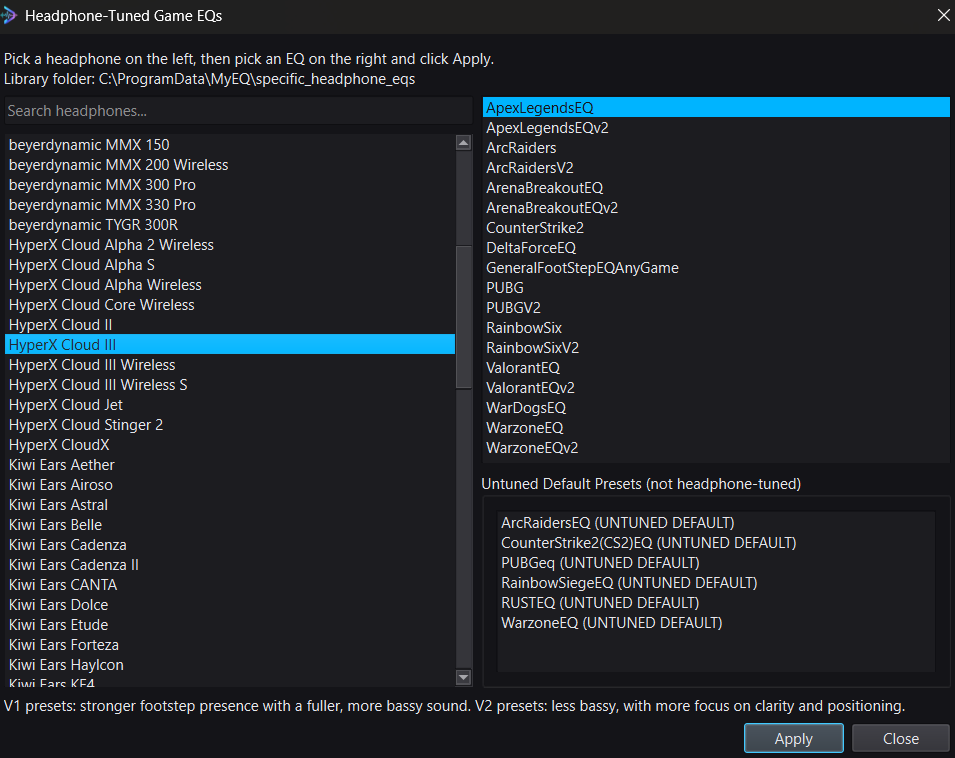
In DoveSonicEQ, open Headphone-Tuned Game EQs, pick beyerdynamic MMX 300 Pro, and choose the Counter-Strike 2 mix. This model carries a single tuned version alongside the untuned default: load the tuned one, then flip it against Bypass right away. Utility noise should lean out while footstep and reload detail step forward.
3) Lift steps, save, done
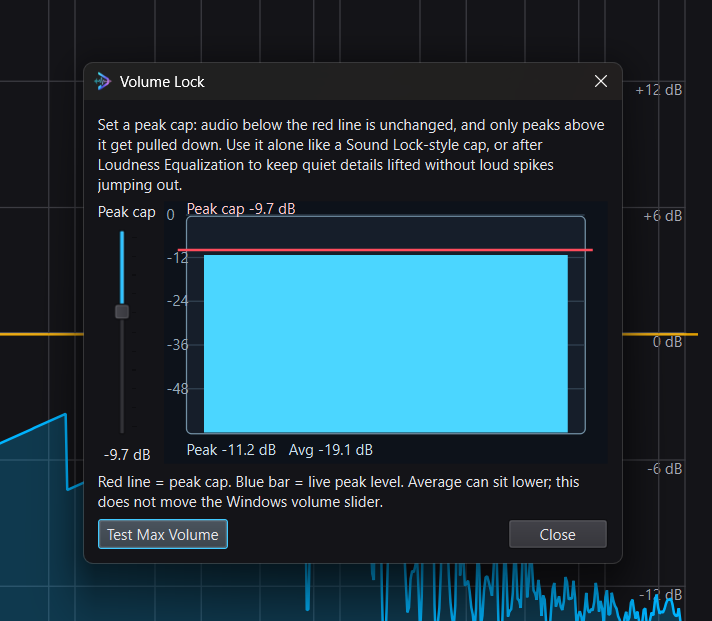
- Set Improved Loudness Equalization near 48-50% with Peak Control on; add Volume Lock only if spikes still bother you. Keep boosts gentle: this headphone already resolves detail well.
- If your own shots bury steps, add Lower Own Gunfire near 50% strength. Guide: lower your own gunfire volume.
- Bypass compare, then save it as one preset per game.
DoveSonicEQ
MMX 300 Pro tuned CS2 presets, visual EQ, Loudness Equalization tools, Lower Own Gunfire, and Dove AI help in one Windows app.
View DoveSonicEQSoundSight
If you also want to see footsteps, SoundSight draws left/right direction visually while you play.
View SoundSightFAQ
There is only one tuned version, no V2. Is that right?
Yes. This model carries a single tuned CS2 mix plus the untuned default. Load the tuned one; the Bypass flip tells you everything else.
Do I need an amp or DAC EQ for footsteps?
No extra EQ anywhere. Keep amp/DAC processing flat or off and let the tuned preset plus gentle loudness do the work.