
Astro A50 Gen 5 Warzone EQ (Tuned Preset)
The Astro A50 Gen 5 ships with Command Center EQ presets and Dolby processing that fight tuned presets for control of your sound. This guide uses the A50 Gen 5 tuned Warzone preset in DoveSonicEQ: the proven mix corrected for this headset, with Command Center flattened first.
1) Flatten Command Center first (EQ and Dolby)
Command Center preset curves plus Dolby processing on top of a tuned preset is the classic way footsteps go missing on Astros.
- Set the Command Center equalizer flat. DoveSonicEQ does the tuning from here.
- Turn Dolby processing off for competitive play. One clean stereo chain reads direction best.
- One EQ in the chain. If two apps shape sound, the tuned correction cannot land clean.
2) Load the A50 Gen 5 tuned Warzone preset
In DoveSonicEQ, open Headphone-Tuned Game EQs, pick Astro A50 Gen 5, and choose the Warzone mix:
- V1: stronger footstep presence with a fuller sound.
- V2: less bassy, more focus on clarity and positioning.
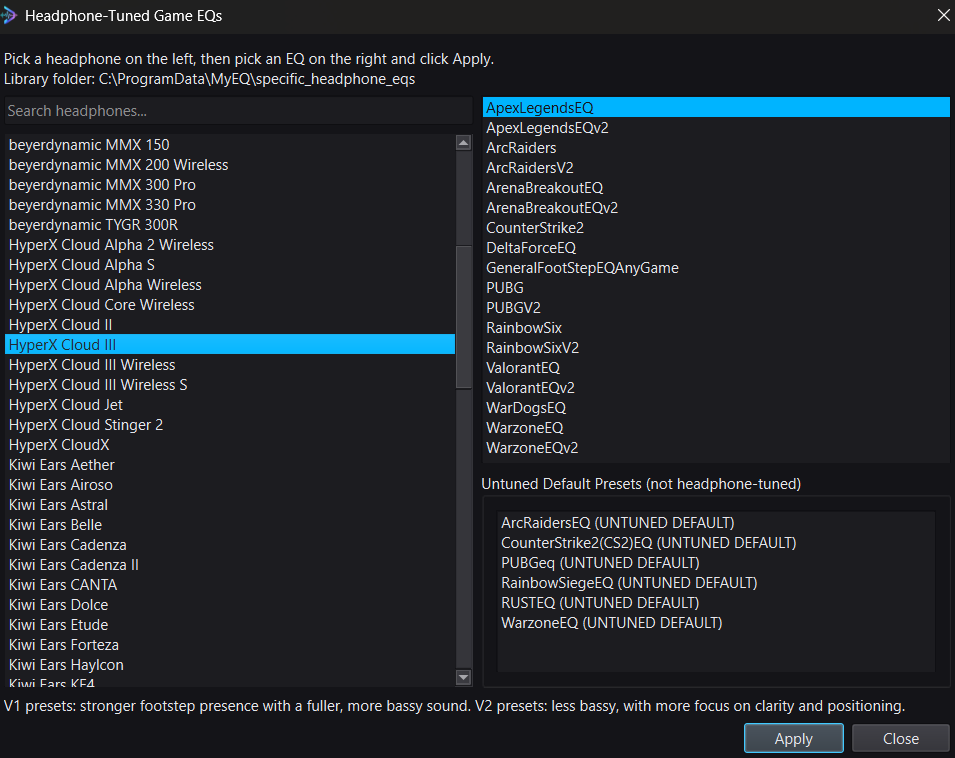
Flip between the tuned preset and Bypass right away. Explosions should lean out while movement detail steps forward.
3) Only have sliders? Convert the preset
If you ever need the tuning as fixed sliders instead of DoveSonicEQ, download the preset text from EQ Presets, paste it into the EQ converter, and get 10-band slider values. Fixed sliders are approximate, but they beat guessing.
4) Lift steps, save, done
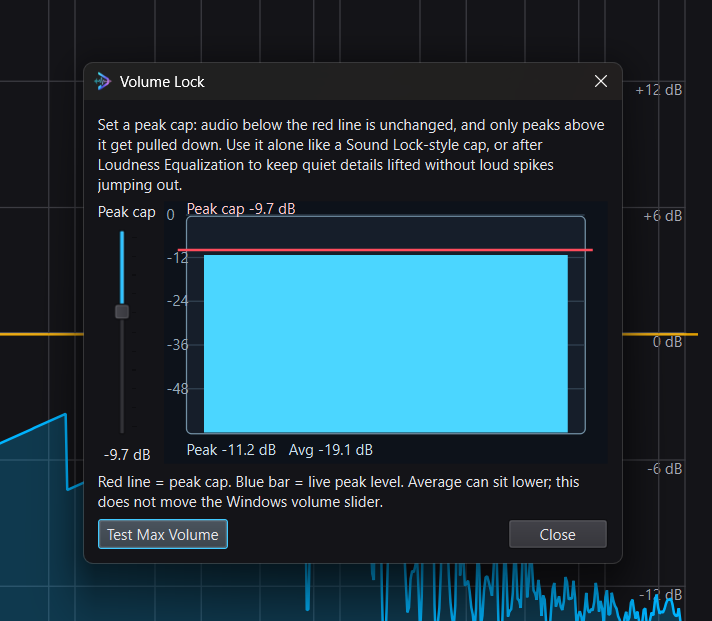
- Set Improved Loudness Equalization near 48-50% with Peak Control on; add Volume Lock only if spikes still bother you.
- If your own shots bury steps, add Lower Own Gunfire near 50% strength. Guide: lower your own gunfire volume.
- Bypass compare, then save it as one preset per game.
DoveSonicEQ
A50 Gen 5 tuned Warzone presets, visual EQ, Loudness Equalization tools, Lower Own Gunfire, and Dove AI help in one Windows app.
View DoveSonicEQSoundSight
If you also want to see footsteps, SoundSight draws left/right direction visually while you play.
View SoundSightFAQ
V1 or V2 on the A50 Gen 5?
V1 for maximum presence, V2 when the mix feels too full. Bypass-compare both and keep the winner.
Dolby on or off for footsteps?
Off for competitive play. Dolby re-processes direction on top of the game mix; a flat stereo chain plus the tuned preset reads cleaner.